My KPOP Shop Gamepasses & Robux
What Robux might buy — and why the free shop loop is already complete.
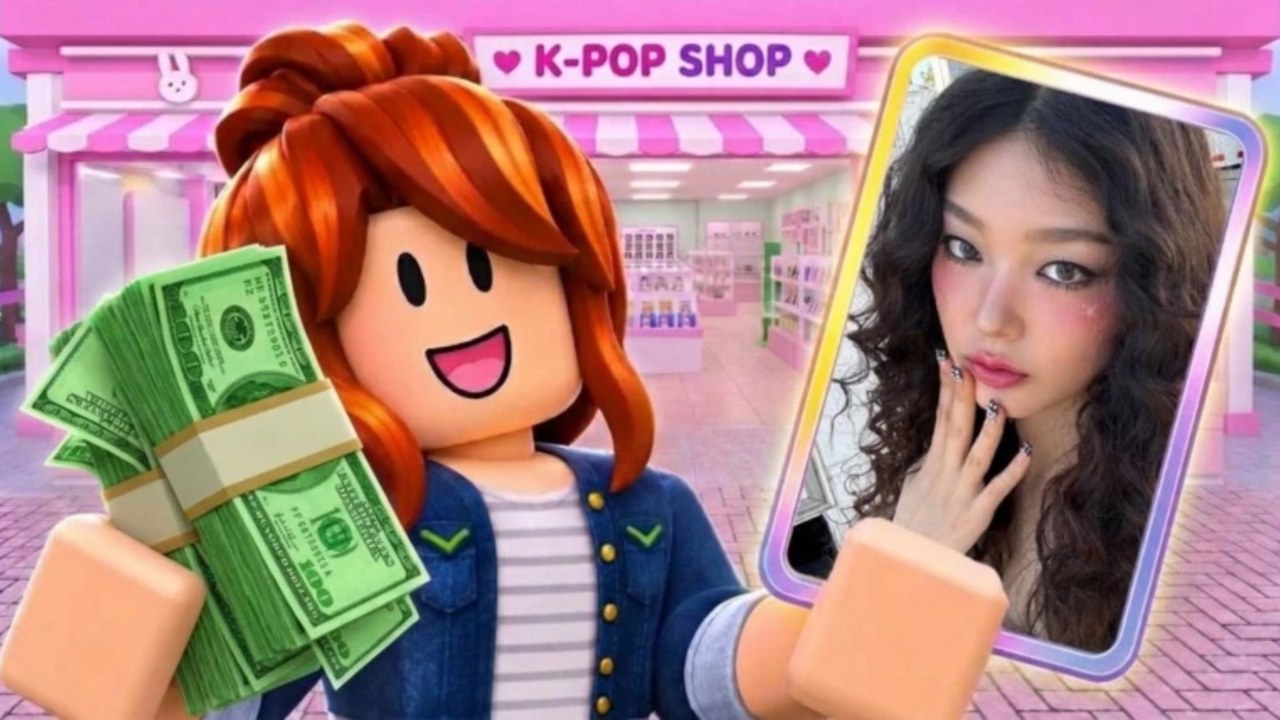
Roblox games often sell gamepasses and developer products for Robux. My KPOP Shop is still a young shop sim (released 22 October 2026 by Chuuves), and public November 2026 coverage focuses on codes, leveling, stocking, staff, thieves, packs, themes, and co-op — not on a stable, widely documented pass price list. This page stays honest: we will not invent pass names or Robux costs. Check the in-game / Roblox Store tab on the experience for whatever is actually offered on your account today.
The free loop is complete
You do not need Robux to play a full My KPOP Shop session. The core loop is free:
- Claim daily rewards
- Redeem Settings codes (Codes — e.g. KPOPSHOP, 250LIKES, MONEYPLEASE when active)
- Stock albums, lightsticks, and photocard packs
- Serve fans and catch thieves
- Hire restocker, cashier, and guard as you level (Hire Staff)
- Decorate with group themes when surplus allows
- Invite friends for +10% earnings each on the server (up to about six players)
- Earn offline from a stocked, staffed close-out
That stack is enough for sales rankings, binder progress, and weekly updates. Treat Robux as optional convenience or cosmetics if passes exist — not as a paywall you must clear to “really play.”
How to see real offers (do this in-game)
- Open My KPOP Shop on Roblox.
- Check the experience Store section on the Roblox page and any in-game shop / gamepass buttons.
- Read each pass description yourself before buying.
- Ignore third-party sites that list precise Robux prices without screenshots dated after the latest weekly update.
Passes can be added, renamed, discounted, or removed in weekly patches. A wiki page that freezes fake numbers helps nobody. When Chuuves publishes a clear pass roster, this page should be updated from primary sources — Roblox Store and Discord announcements via Official Links — not from rumor charts.
What passes typically cover in shop sims (if present)
Without claiming My KPOP Shop sells these exact items, shop-sim gamepasses across Roblox often fall into familiar buckets. Use this only as a reading guide when you open the real Store:
| Typical pass type | What players usually hope it does | Free alternative |
|---|---|---|
| Cash / starter boost | Jump-start shelves | Codes + dailies + early restock discipline |
| 2x money (timed or permanent) | Faster upgrades | Timed code multipliers + friend +10% stacking |
| Extra staff / auto helpers | Less micromanagement | Hire restocker/cashier/guard + co-op roles |
| QoL (faster restock, larger carry, VIP UI) | Comfort | Controls mastery + checklist habits |
| Cosmetics / themes | Flex and atmosphere | Earn themes with surplus cash (Decorate Shop) |
| Pack-related perks | Binder chase help | Budgeted opens after surplus (Photocard Packs) |
If a real pass maps to one of those ideas, judge it against the free alternative column. If the free path already solves your bottleneck, skip the purchase without guilt.
Decision framework before spending Robux
Ask:
- Have I redeemed current codes and dailies this week? Free money first.
- Is my bottleneck stock, checkout, or theft? Passes rarely fix empty shelves better than playing the shop checklist.
- Would one friend invite help more than this pass? +10% per friend is strong and free (Friend Bonus).
- Am I buying to skip learning the loop? If yes, read Getting Started and Money Guide instead.
- Is the Store description clear today? If not, wait — do not guess.
Scams and fake “passes”
- Nobody needs your password to “gift a gamepass.”
- Codes are free community drops entered in Settings — not Robux items sold in DMs.
- Executors promising free gamepasses are account-risk malware territory; see Scripts and script safety.
- Be wary of off-platform “cheap Robux pass” sellers. Use official Roblox purchase UI only.
When a pass might be worth it (personal call)
Optional Robux spending can make sense if:
- You already run a stable free loop and want a convenience upgrade you verified in Store
- The pass is cosmetic and you treat it like merch merch — fun, not ROI
- You understand Roblox’s refund limitations and buy only what you can afford IRL
It is a poor buy if you are still failing basic restocks, have never invited a friend, or skip codes while hoping Robux will patch bad habits.
Progression without passes
Follow free progression pacing on the Level Progression Guide: unlock products and furniture as levels allow, hire staff when bottlenecks appear, theme after surplus, chase rankings with co-op. Weekly updates and milestone codes (2500 likes / 5000 favorites teased) keep adding free fuel.
Related reading
- Money Guide — every legal earn lever
- Daily & Offline — claim and close-out habits
- Codes — free cash and 2x timers
- Co-op Guide — friend multipliers
- Tools Hub — workflows that replace impulse Robux
Bottom line: Check the real Roblox Store in-game. Do not trust invented price tables. The free loop — codes, stock, staff, thieves, dailies, offline, co-op — is already a complete My KPOP Shop experience.
Frequently Asked Questions
Quick answers for My KPOP Shop shop owners.
Do I need gamepasses to enjoy My KPOP Shop?
No. Codes, stocking, staff hires, dailies, offline earnings, and friend bonuses form a complete free loop.
Why doesn’t this wiki list exact Robux prices?
As of November 2026, public sources emphasize gameplay and codes more than a stable pass price sheet. Inventing numbers would mislead you—verify offers in the official Store.
Where can I see real gamepasses?
Open the experience Store on the Roblox game page and any in-game shop buttons. Read current descriptions before buying.
Are codes the same as gamepasses?
No. Codes are free strings redeemed in Settings. Gamepasses are optional Robux purchases through Roblox, if the developer lists any.
What should I do instead of buying a cash pass?
Redeem active codes, claim dailies, stock bestsellers, hire missing staff, and invite friends for the +10% earnings bonus per friend on the server.