My KPOP Shop Codes Troubleshooting
Why a code fails — and how to redeem safely without chat scams or typos.
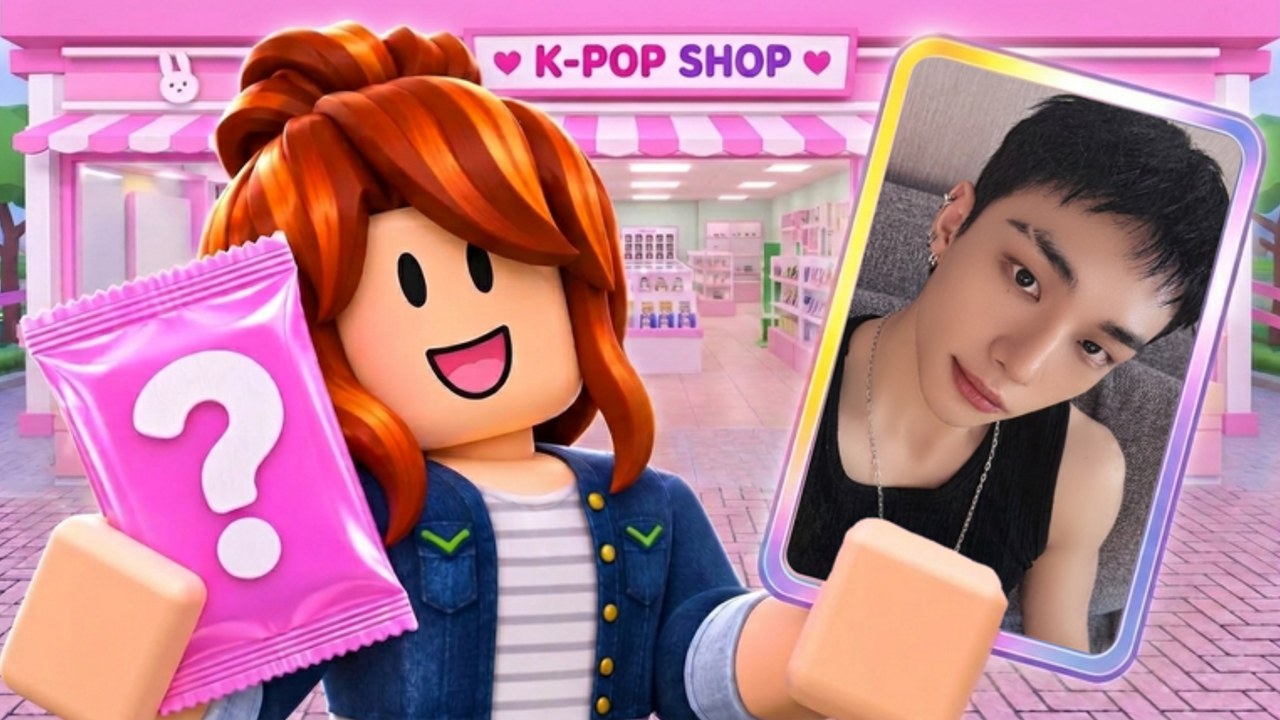
When a My KPOP Shop code returns invalid, expired, or silent failure, the problem is almost never “the wiki hates you.” It is usually a typo, the wrong input box, a code you already claimed, or a string that retired after a milestone wave. This Codes Troubleshooting page walks failure causes in order, then covers scam patterns so you never trade an account for a free $150 that was already listed on the Codes Hub.
For the happy path, use How to Redeem. For upcoming drops, watch Milestone Codes and Discord via Official Links.
Quick triage (30 seconds)
- Are you inside My KPOP Shop, not another Roblox experience?
- Is the string pasted into Settings → code field, not Roblox chat?
- Did you paste one code with no leading/trailing spaces?
- Have you already redeemed it on this account?
- Is the code still listed as active on the Codes Hub?
If any answer is wrong, fix that before assuming the game is broken.
Active codes to retest (November 2026)
| Code | Reward | Notes |
|---|---|---|
KPOPSHOP | $150 cash | Flat cash; once per account |
250LIKES | 2x Money/Cash 30m | Use when stocked and active |
MONEYPLEASE | 2x Money 30m | Same; avoid wasting AFK |
Copy from the table. Do not retype from memory. Milestone teases for 2500 likes and 5000 favorites may add new strings later — verify before inventing spellings.
Failure cause: case sensitivity and spelling
Many Roblox code boxes are case-sensitive. kpopshop is not guaranteed to equal KPOPSHOP. Mixed-case mistakes like MoneyPlease also fail. Fix: paste exactly as published in ALL CAPS form used on the hub.
Similar lookalikes to avoid:
- Extra letters (
KPOPSHOPP) - Missing letters (
KPOPSHP) - Digit/letter swaps on future codes that mix both
Failure cause: invisible spaces
Mobile keyboards and messy copy-paste insert spaces before/after the code. The box may look correct while the game reads KPOPSHOP with a trailing space. Fix: paste, then backspace any padding; or paste into a notes app, trim, copy again.
Failure cause: Settings vs chat
Chat is for talking to friends. Codes go in the in-game Settings redeem field (some clients also show a Codes-style button). If you typed the string into chat and nothing happened except a public message, that is expected failure — not an expired code.
Full Settings path: How to Redeem. Control overview: Controls & UI.
Failure cause: already redeemed
Each promo code is typically once per Roblox account. A correct code can still fail on the second attempt. Symptoms: invalid / already used style messages after a prior success toast. Fix: stop retrying; spend the reward you already got. Alt accounts have separate redeem state, but creating alts only for codes may violate Roblox rules — not recommended.
Failure cause: expired or retired
Milestone and event codes can be turned off after a wave. If a string worked last week and fails for everyone today, it expired. Fix: check Updates, the hub table, and Discord. Remove expired codes from your personal note file so you stop testing dead strings.
Failure cause: client / UI desync
Sometimes the redeem button does nothing.
- Close Settings and reopen
- Soft rejoin the experience
- Retry paste once
- Try on another device only if the first three fail
Do not mash redeem twenty times — you can confuse yourself about whether a success toast already fired.
Failure cause: private server / incomplete UI
If Settings looks incomplete in a odd server state, rejoin a normal session and redeem there. Finish tutorial prompts if Settings still seems locked on a brand-new save.
Scams related to “broken codes”
When players are frustrated, scammers arrive:
- “I can redeem for you — just give me your password / cookie”
- “Buy this private code pack”
- “Run this executor to unlock all codes”
- “Trade limiteds for a working MONEYPLEASE”
All of those are scams or account risk. Official codes are free. Redeem them yourself in Settings. Read Scripts and script safety before touching any executor pitch. This wiki is fan-made and never asks for login credentials.
After a successful redeem still “feels wrong”
- Cash codes: check balance, then buy stock — money sitting unused feels like a failed redeem
- 2x timers: confirm the boost indicator, then sell on full shelves; empty-shop multipliers feel “broken”
- Co-op: your friend’s redeem does not fill your account; each player claims separately (Co-op Guide)
Prevention checklist
- Bookmark the Codes Hub
- Paste, never retype
- Redeem at session start after dailies (Daily & Offline)
- Stock before starting 2x windows
- Ignore DM code sellers
- Recheck after like/favorite milestones
Related pages
- Codes Hub — live active table
- How to Redeem — step-by-step Settings path
- Milestone Codes — 2500 likes / 5000 favs context
- Official Links — Roblox game page + Discord
- Getting Started — what to buy after cash lands
Most “dead codes” revive with a correct paste into Settings. Most “secret codes” from strangers are social engineering. Keep redemption boring, free, and on-account — that is how My KPOP Shop codes are meant to work.
Frequently Asked Questions
Quick answers for My KPOP Shop shop owners.
Why does my code say invalid?
Check spelling and capitalization, remove spaces, confirm you used Settings not chat, and verify the code is still active and not already redeemed on your account.
Are My KPOP Shop codes case-sensitive?
Treat them as case-sensitive. Paste the exact ALL CAPS form from the Codes Hub rather than guessing lowercase variants.
Can I redeem codes in Roblox chat?
No. Chat will not grant rewards. Open Settings in My KPOP Shop and use the redeem field.
Someone offered to redeem codes for me — safe?
No. Never share passwords or cookies. Free codes are redeemed only on your own account through the official UI.
What if every code fails at once?
Rejoin the game, confirm you are in My KPOP Shop, paste from the hub table, and check Updates/Discord for mass expirations after a milestone wave.